Home / Document workflow
Document workflow software that follows your process
DocuPro moves documents through the stages your organization already uses, assigns them to the right people, and gives each stage its own set of tasks. Approvals stop living in email.
How a document moves
01
It enters a stage
A document is added to a workflow on import or from any screen. Stages are the queues your process already has — intake, review, approval, complete.
02
It gets assigned
The load balancer distributes the queue round-robin across the team, or applies your rules so documents route by their own index values.
03
The assignee is notified
Email goes out through your own SMTP server, triggered by the assignment, by a task, or on a schedule — and only for documents that meet your conditions.
04
Tasks are executed
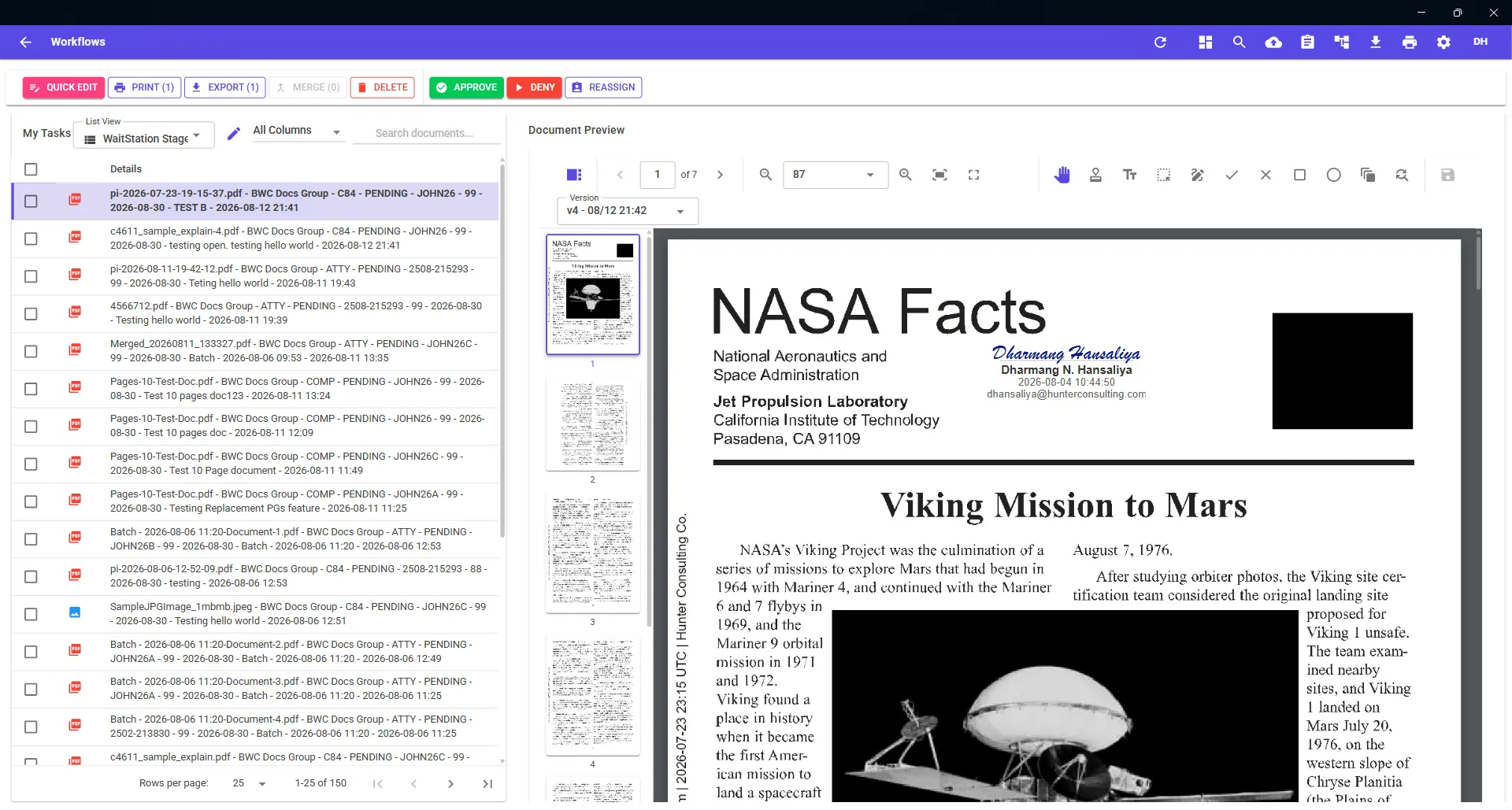
Each stage defines its own tasks. The user opens the document in the viewer, works it, and completes the task from the ribbon bar — approve, deny, reassign, or your own custom actions.
05
It moves on, with a record
The document advances to the next stage. Annotations and page changes are versioned, and the original upload stays intact.
Rule-based or round-robin load balancing
Distribute a queue evenly across a team, or route by the document's own index values.
Custom tasks per stage
Tasks are configured per stage, so a document in Review offers different actions than one in Payment Processing.
Stage Manager
Supervisors and colleagues can view and work another user's assigned tasks, so nothing stalls while someone is out.
Conditional notifications
Send on assignment, on task, or on a schedule — only for documents that match your conditions.
Bring us a process you want automated
We'll configure the stages, tasks, and notifications in a demo environment and walk you through it.